AI appointment setter
Turn “I’m interested” into a time that works.
Understand the appointment first
Not every inquiry belongs in the same calendar.
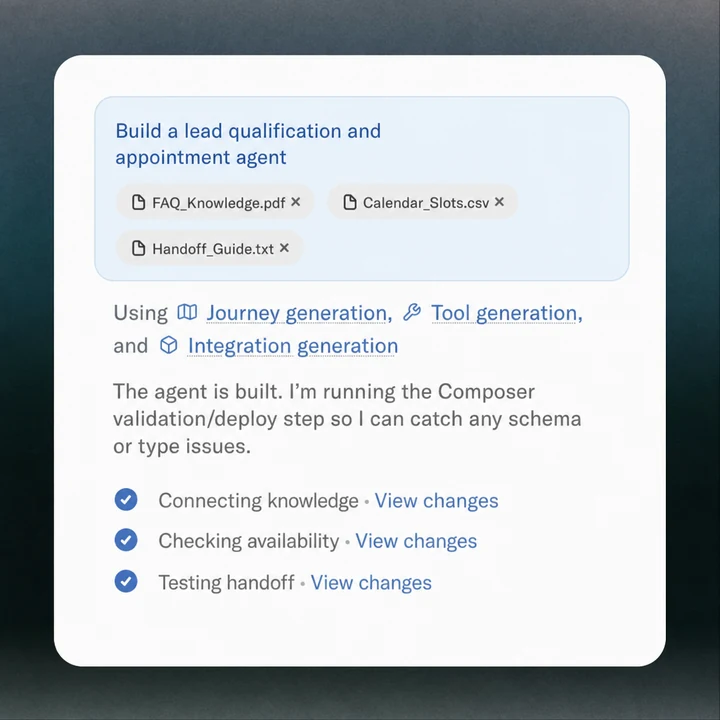
Not every inquiry belongs in the same calendar. A short consultation, an emergency visit and an estimate may need different people, durations and service areas. Establish those conditions before offering a time.
Ask only what changes eligibility or preparation. A service business may need an address and job type; a consultation may need the subject and preferred contact details. Keep sensitive or unnecessary information out of the opening conversation.
Offer a real next step
An AI appointment setter should work with the availability and booking rules you have agreed.
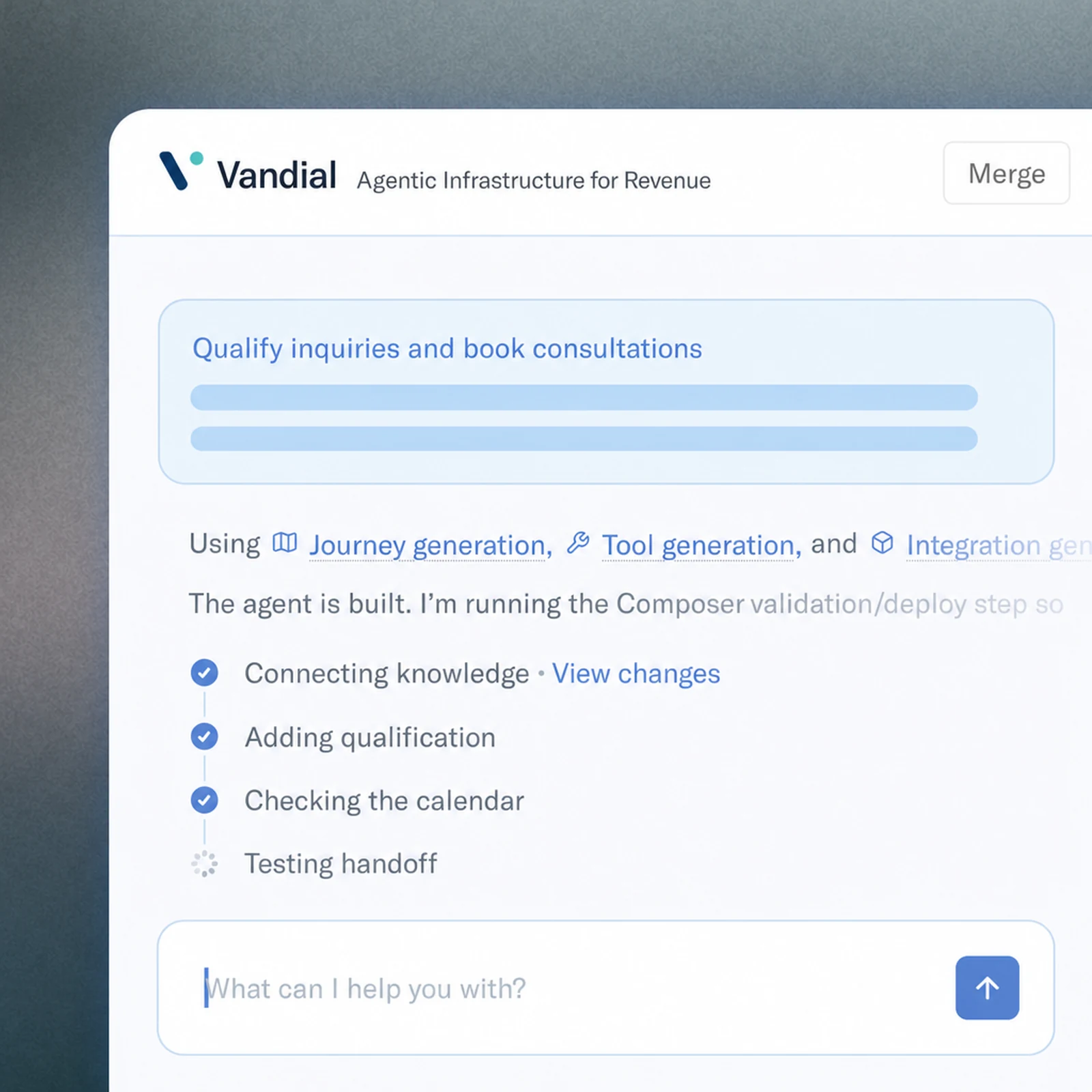
An AI appointment setter should work with the availability and booking rules you have agreed. Time zones, buffers and rescheduling matter as much as the opening script. If no suitable slot exists, offer a documented callback rather than inventing availability.
Confirm the day, time and purpose in language the customer understands. Make it clear whether the appointment is confirmed or a request awaiting approval. Your team should receive the qualification details with the booking.
Count attended appointments
Track the stages from inquiry to booked appointment to attendance.
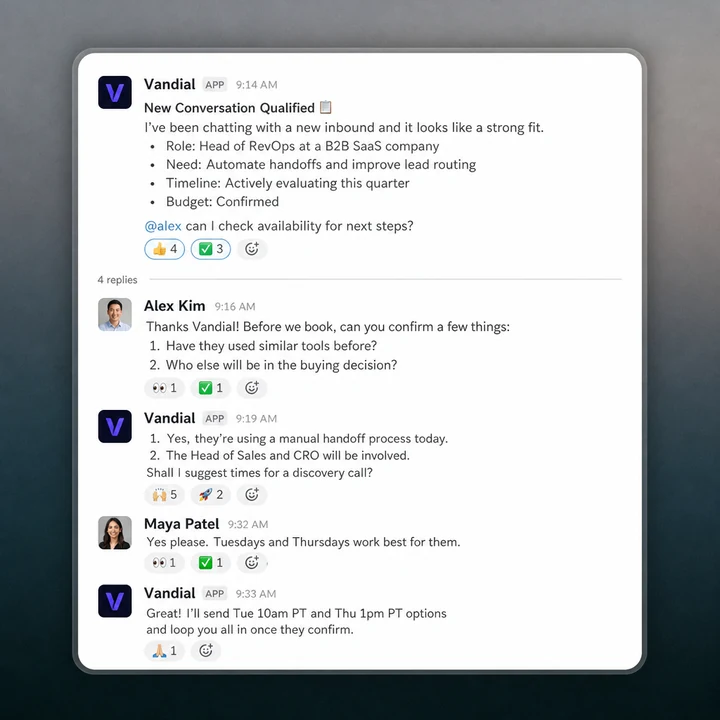
Track the stages from inquiry to booked appointment to attendance. A full calendar can hide poor-fit bookings, duplicates or customers who did not understand what they were agreeing to.
Start with one appointment type in Vandial. Review the questions, calendar connection and handoff before adding other services. Where reminders or follow-up are needed, define them as part of the same customer journey.
Scheduling versus appointment setting · Appointment reminders · Pricing
Does this replace a booking link?
It adds a conversation before the booking. A link lets a person select a time; an appointment-setting agent can first understand the request, answer approved questions and establish which appointment fits.
Can it handle rescheduling?
Include rescheduling rules during setup: which records can be changed, how the customer is identified and what confirmation is required. Discuss the exact calendar workflow before enabling it.
How much does an AI appointment setter cost?
Use the current Vandial pricing page as the starting point and confirm the channels, volume and setup required for your workflow. Compare the total cost per attended, qualified appointment rather than a headline rate alone.

The next step for your business
Build an appointment-setting conversation that checks the fit, gathers the right details and helps a ready customer book with your team.
Related capabilities

AI scheduling assistant | Vandial
An AI scheduling assistant may organize your working day or arrange customer appointments. Choose the right type before comparing tools.
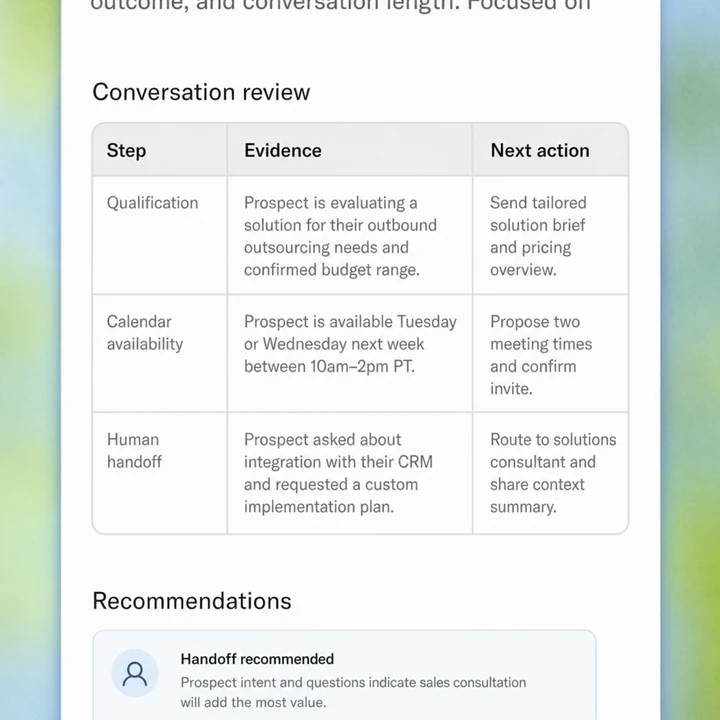
Appointment reminder software | Vandial
Choose appointment reminders around confirmation, rescheduling and human follow-up. Treat attendance as part of the booking journey.
Discover what Vandial can do for you
See how an AI agent can help your business qualify inquiries and book the next step.